
Although interactivity is a major part of the user experience, it should go unnoticed by users. Generally speaking, interactive site design is done properly only when users do not notice the carefully designed interactive processes that guide their actions.
As you might expect, designing something so essential yet elusive is a difficult task. In this article, I’ll help you understand the processes and goals of an interactive designer and give you reasons why you should hire one for your web project.
The interactive designer’s processes and goals are not just a matter of user choice.
Interactive Design vs. User Experience Design
Interactive design focuses on moments of direct and active user engagement—such as tapping, clicking, dragging, typing, and so on—with the site. Meanwhile, user experience (UX) design takes a broader perspective and considers even moments of passive use, such as reading text on a website, to be interactions.
Interactive web design is therefore part of UX web design, which aims to encourage and facilitate moments of active user engagement. Some UX professionals prefer to focus on this aspect of UX design and refine their skills in implementing interaction patterns.

Interactive Design Elements
Interactive design processes break each interaction moment into 5 elements. Most of these elements apply to all types of interaction, but some may sometimes be optional. It is the job of the user experience specialist to determine which elements are necessary for each instance of interaction to make it feel natural and seamless.
Here is the list of all 5 elements:
.- Text - text or a symbol that indicates the possibility of interaction and focuses on the expected result rather than the action itself. Think of the word “Play” or the triangle symbol, which express the same intention.
- Visual Form - Some interactive elements, such as buttons or text entry fields, should have clearly visible boundaries to define the interactive area. You certainly don’t want a potential buyer to struggle to find the input area when, for example, filling out the shipping address for their purchase.
- Medium/Platform - Since interactions require different actions on different devices, an interactive design expert should make sure that the choice of actions that trigger the interaction is predictable across all platforms.
- Time - Some interactions require time to process input, and your site should always inform users about the status of input processing. Otherwise, users may think the site is unresponsive and leave without waiting for the result.
- Feedback - To give users a sense of completion, your site should present a clear result for each interaction. For example, show a “Success!” notification after a user shares an article from your site on social networks.
The role of each of these elements seems obvious, and choosing the ones needed to create a smooth interaction flow may seem like a trivial task. Still, I’m sure that, like me, you’ve come across many website designs with broken interaction flows that have intrigued you at one point or another, or confused you enough to leave the site. The goal of professional interactive website design is to avoid confusion on the user’s side and eliminate any possible risk to your business.
Advantages of High-Quality Interactive Design
Just as the negative consequences of poor interactive website design can be serious, the positive effects of high-quality interactive design can be impressive. Let’s take a look at just a few of them.
Lower Support Costs and Higher-Quality Support
.If users don’t experience any problems while interacting with the site, they have less reason to contact support, which leads to lower support costs. So by making sure that every interaction instance on your site is properly designed, you protect your support specialists from such trivial issues, allowing them to focus on complex and unprecedented cases and thereby improve the quality of support.
Reduced Bounce Rate
.Visitors who experience a confusing interaction are more likely to simply bounce and never return than to contact support. Professionally designed and tested interactive design minimizes the risk of user frustration and helps prevent high bounce rates.
Higher Revenue
.Whether a site’s revenue comes from clicks or purchases, it is closely tied to interaction processes. By allowing users to have a satisfying experience when interacting with your site, you motivate them to engage more often, thereby generating more revenue.
The result is higher revenue.
Increased Competitiveness and Loyalty
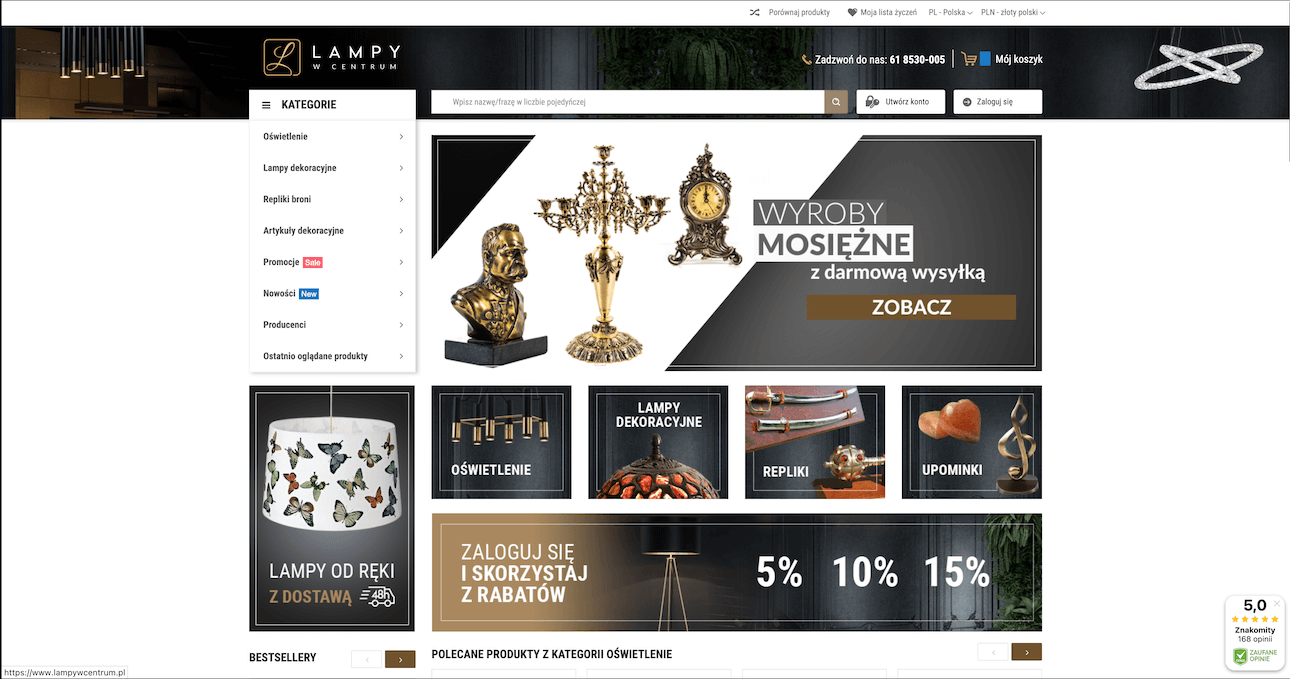
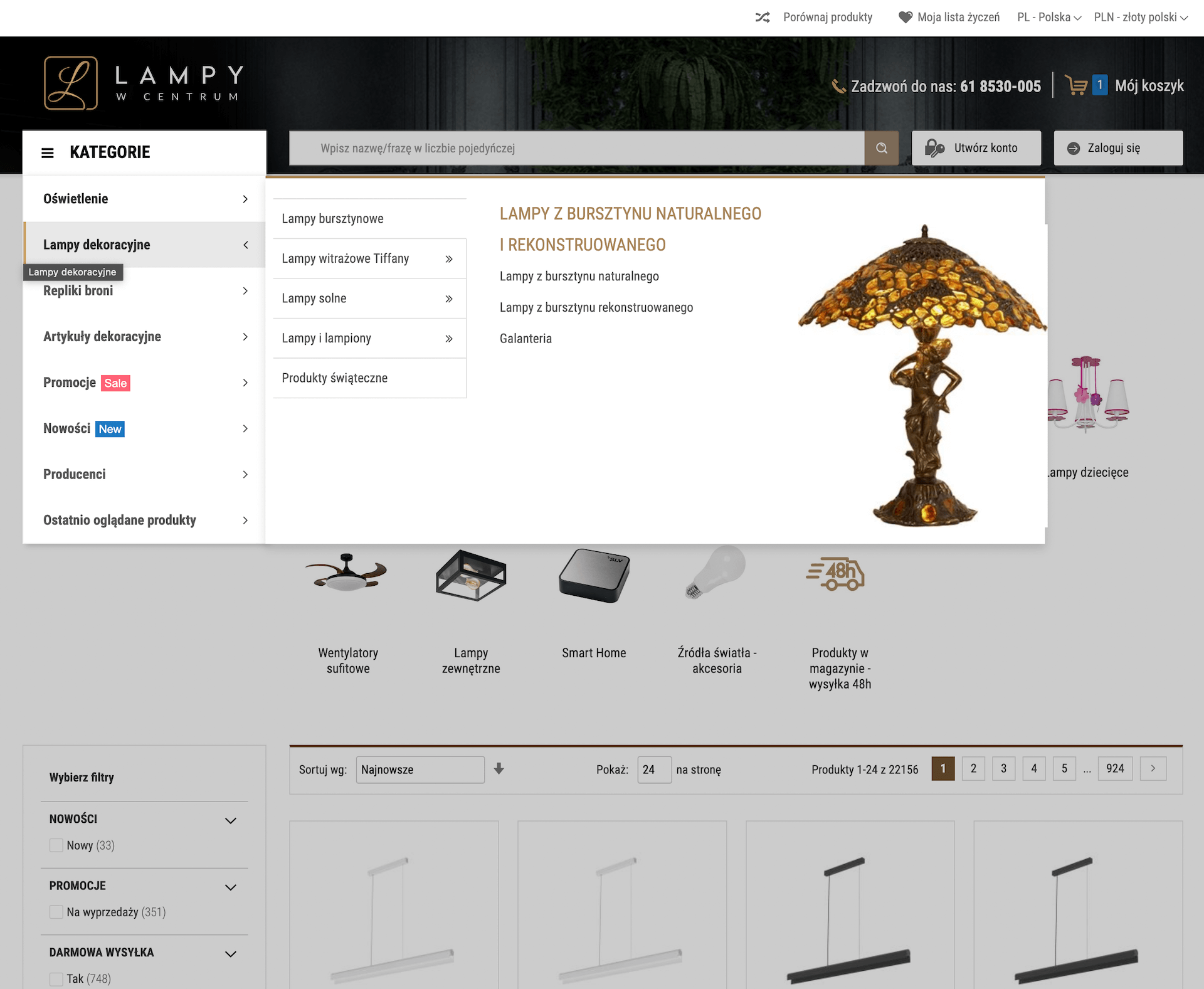
.There is one caveat to what I said at the very beginning about good interactive design being so natural that it doesn’t draw attention to itself at all. If you draw users’ attention to interactive elements by adding some freshness and creativity—for example, the way we did for the lampywcentrum.pl or smmash.co.uk e-commerce sites—you can stand out from the competition and make a lasting impression on visitors, strengthening their desire to do business with you.
There is a caveat.
Make Things Convenient for Users
The user interacting with your site is the customer communicating with your business. Just as you wouldn’t want your business communication to look cluttered and unproductive, you shouldn’t let these qualities define your site’s interactive design. Whether you want to prevent interactive design problems on your future site or fix them on your existing site, don’t hesitate to ask the smith.store
team for help.